Color by Number Tips: 7 Ways to Finish Every Picture
Color by number tips for phone and browser: one color at a time, big regions first, zoom in for small ones, and use the palette counts to finish.
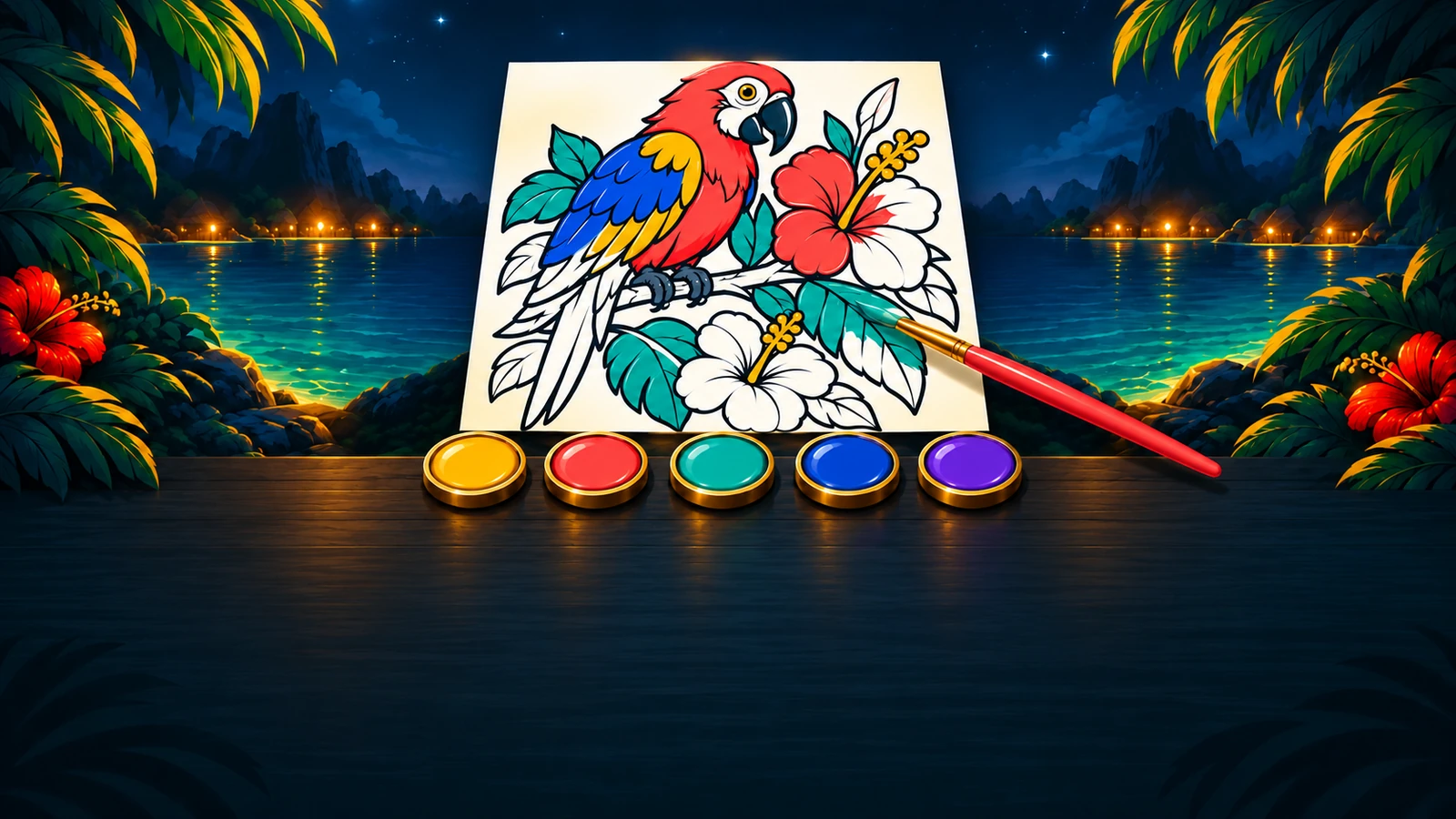

A color by number picture is never hard to solve: the numbers tell you every answer. What takes time is finding the regions, and the tiny last few. These tips cut that search down, whether you’re filling an Easy picture on the bus or a 100-region Hard one on a quiet evening. You can try every one in Loop Color, free in your browser, with a new Daily picture every day.
1. One color at a time
Pick a color and fill every region with that number before you switch. You only have to look for one number, which is much faster than reading every region in turn. When a color is done, the next one is easy to choose: the one with the most regions left.
In Loop Color each color in the palette shows how many of its regions are left, and a finished color turns into a check mark.
2. Big regions first
Fill the big regions of a color first: the sky, the sea, a wall. They’re quick to tap and they fill the picture fast, so it starts to look like something early. Once the big shapes are in, the small regions left are much easier to spot against them.
3. Zoom in for the small regions
The smallest regions sit along outlines, between leaves, in eyes and buttons. Don’t squint at them: pinch to zoom in, fill the area, then drag to the next one. Zoomed in, every number is big enough to read and every region is big enough to tap.
Loop Color zooms up to 4 times, and Fit brings the whole picture back with one tap.
4. Tap a region to jump to its color
You don’t always need the palette. If you spot a region you can fill, tap it: in Loop Color the palette jumps to that region’s color, so the next tap fills it. It’s a quick way to work through an area of the picture instead of one color at a time, and nothing is ever filled with the wrong color.
5. Use the counts to find what’s left
When a color still shows 1 or 2 regions left and you can’t see them, zoom out to the whole picture and scan slowly, edge by edge. Missed regions are almost always tiny, and almost always next to a region of the same color you already filled.
If you’re still stuck, Loop Color’s Find Remaining shows where the selected color’s last regions are, 3 times per picture, and Next unfilled region jumps straight to one.
6. Pick the right size of picture
Every Loop Color picture is rated before you start: Easy, Medium or Hard, with its number of regions, its colors and about how long it takes. On a short break, pick an Easy picture of 10 to 25 regions. Save the Hard pictures, with up to 100 regions, for when you have time to zoom in.
7. Make the numbers easy to read
If the numbers are hard to see, change them rather than straining. In Loop Color’s Settings, set Number size to Large, or turn on High-contrast numbers. Both make small regions much easier to pick out.
8. Make the most of the daily picture
Loop Color’s Daily is one picture, the same for everyone, and it changes at midnight Pacific. That makes it a good habit to build: one small, finished picture a day, the way some people do a crossword with their coffee. If you want ideas for fitting it into your morning, our guide to building a daily puzzle habit has a few.
There’s no rush. The Daily has no timer and nothing to lose, and your progress saves as you go, so you can fill a few colors on the bus and finish at lunch. Check its rating before you start: if today’s picture is a Hard one with a lot of regions, start with the big shapes (tip 2) and save the zooming for later.
When you finish, you get a share card to send a friend who’s coloring the same picture. Missed a day? Past Dailies stay in your Gallery, so you can color them any time.
If color by number clicks for you, try the other picture puzzles on HulaGames: our jigsaw puzzle tips work for the daily jigsaw, and our roundup of free puzzle games covers the rest.
Finish the Daily
The best habit is a small one: one picture a day. Loop Color’s Daily is the same picture for everyone and changes at midnight Pacific. Half of the 60 pictures are crossovers with other HulaGames worlds, and finishing one unlocks its frame in your Gallery. Play Loop Color free and start with today’s picture.

 Play on your phone too